The Best AI Flashcard Generators in 2026, Sorted by What Happens After the Cards
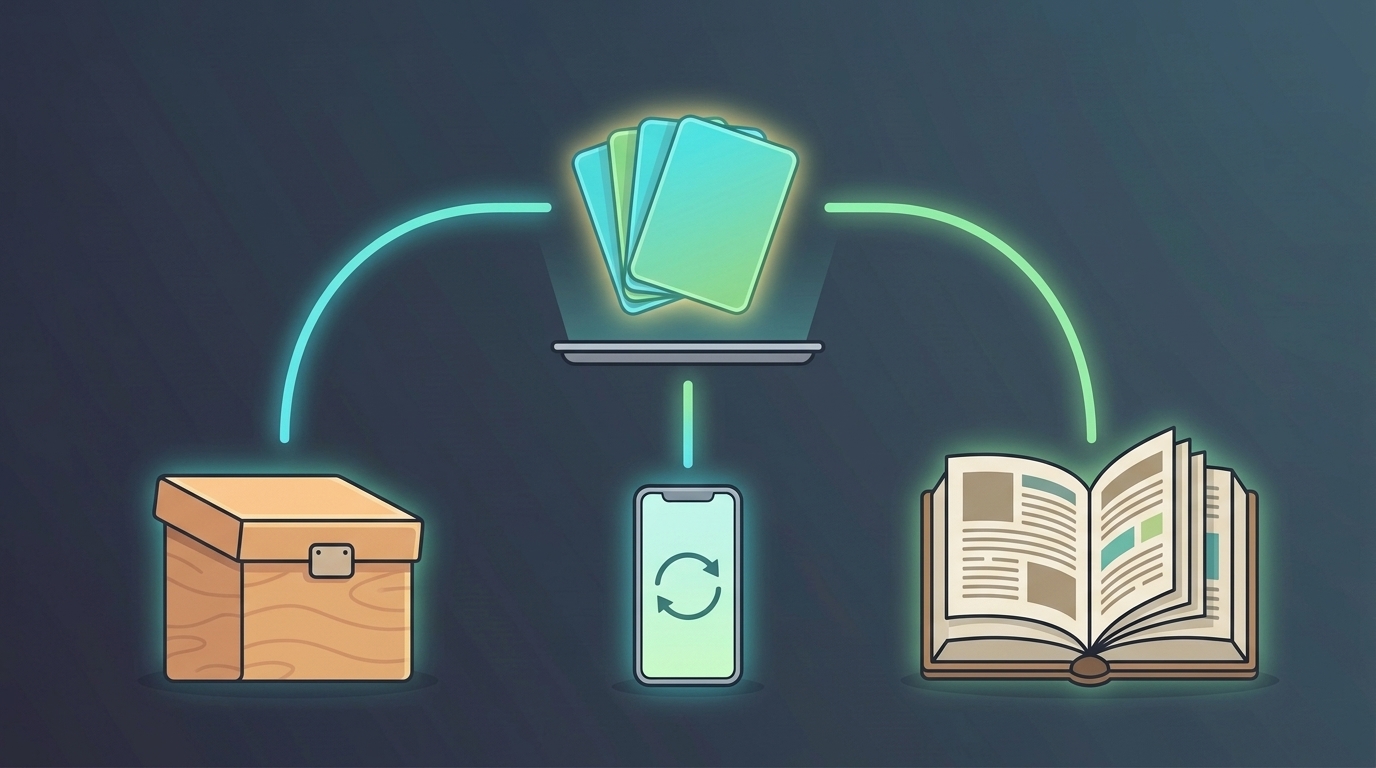
The best AI flashcard generator for you depends less on how it makes cards than on where the cards go next. Every tool in this list can turn a PDF or a set of notes into question-and-answer cards. What separates them is the step after that: exporting the deck to Anki, reviewing it on a schedule inside the same app, or skipping the deck and studying the material another way.
We compared eight tools on that basis. Every price and limit below comes from the vendor's own website or its US App Store listing, checked on September 28, 2026. We make Mind Tiles, which is one of the eight, and we say plainly where it is the wrong choice.
The Short Answer
- You already use Anki: StudyGlen or RemNote. Both generate cards from a PDF and export a real Anki
.apkgfile. - You want the generator and the reviews in one app: RemNote if you take notes there too, Knowt if you want the most free.
- Your class already shares sets: Quizlet, for the sets and the practice tests.
- You don't want to manage a deck at all: Mind Tiles, which turns your file into a short course with quizzes and schedules the reviews for you.
How We Compared Them
Four questions, the same ones we suggest in our guide to turning PDF notes into flashcards:
- What can it read? PDFs, slides, photos of handwriting, YouTube.
- Does it schedule reviews? The research on spacing is consistent: the same deck reviewed at widening intervals beats the same deck studied in one sitting.
- Can the cards leave? Export to Anki, or at least to a file.
- What does the free tier actually allow? Stated limits, not "try for free".
This is a comparison of what each vendor states, not a test of card quality; we didn't run the same document through all eight. Where a vendor's page doesn't state something, the table says so rather than guessing. Prices are shown with a dollar sign exactly as each vendor shows them; none of the pages names a currency, and at least one adjusts prices by region.
The Comparison, in One Table
| Tool | Makes cards from | Schedules reviews | Anki export | Free tier (as stated) | Paid (as stated) |
|---|---|---|---|---|---|
| StudyGlen | PDF up to 20MB, text, images, YouTube captions | Yes (FSRS) | Yes, free | 1 quiz or flashcard deck per day | Credit packs that don't expire, from $4.99 for 10 decks or quizzes |
| RemNote | Text, PDF, PowerPoint, images, YouTube | Yes | Yes (.apkg, cards only) | 5 AI card generations, 250 AI credits a month | Pro $8/mo or Pro with AI $18/mo, both billed yearly ($96 / $216) |
| Knowt | PDF, PowerPoint, images, video, audio, YouTube, up to 5 files | Yes, free | Not stated | Unlimited sets and all study modes; 1 AI summary a month | Ultra $24.99/mo or $149.99/yr |
| Quizlet | PDF, slides, Google Drive, photos of handwritten notes, pasted text | Yes, on the website only (on automatically for sets of 100+ terms) | No (copy-text export of your own sets) | "Some AI features"; limit not published | Plus $7.99/mo or $35.99/yr; Plus Unlimited $9.99/mo or $44.99/yr |
| Revisely | PDF, PowerPoint, documents, photos including handwriting, text | A spaced repetition mode is listed | Yes ("platforms like Anki") | Unlimited non-AI cards; uploads capped at 5 pages | $11.99/mo, or $4.99/mo billed annually |
| Gizmo | PDF, PowerPoint, notes, YouTube, scanned handwriting, Quizlet and Anki imports | Yes | Not stated (imports Anki) | Unlimited cards and quizzing; daily cap on imports; quiz mistakes cost "hearts" | No web pricing; plans sold in the app |
| Laxu AI | PDF, images, audio, lecture recordings | Yes | Yes (.apkg); its pages disagree on whether this is free or paid | 1 document upload | $1.99/week, $4.99/mo, or $39.99/yr |
| Mind Tiles | PDF, Word, text, Markdown up to 60 pages; photos of pages or handwriting | Yes, but on lessons, not individual cards (see below) | No | No free plan; 7-day free trial, no credit card | $7.99/mo, $19.99/quarter, or $59.99/yr (USD) |
Anki itself isn't in the table because it doesn't generate cards. It's covered below.
If Your Cards Need to End Up in Anki
Anki is still the reference scheduler: free on desktop and Android, $24.99 once on iPhone, and it now offers the newer FSRS algorithm alongside the classic SM-2. What it doesn't do is write cards for you. There are two ways around that.
Generate outside Anki, then import. StudyGlen exports .apkg files on its free tier, and its paid credits are one-time purchases rather than a subscription, which suits a student who needs ten decks in exam season and none in July. RemNote exports flashcards to Anki too, though its free tier allows only five AI generations, so it's a trial, not a free tool. Laxu AI also exports .apkg files, though its pricing page and feature page disagree about which tier includes it, so check before paying. Revisely says it supports "platforms like Anki" without spelling out the format.
Generate inside Anki with an add-on. AnkiBrain, listed on AnkiWeb and updated in August 2026, adds AI card generation to the desktop app using your own AI provider's API key or its own server mode. It's the most Anki-native route, and the least hand-held: you're setting up an add-on and possibly paying an API provider directly.
If You Want One App That Makes the Cards and Runs the Reviews
Exporting to Anki means using two apps. Several tools now do both jobs.
RemNote is the pick if you take notes as well as study them. Cards come straight out of your notes and PDFs, and they're scheduled with everything else. The free tier's five AI generations run out fast; Pro with AI, at $18 a month billed yearly, raises the allowance to 1,000 AI cards.
Knowt gives away the most. Sets, Learn mode, practice tests, and spaced repetition are all free, and its AI flashcard maker is advertised as free, though its plans page also caps AI summaries at one a month and doesn't say whether turning a file into cards counts against that. The paid tier, Ultra, is $24.99 a month or $149.99 a year, the most expensive monthly price here, so the free tier is the reason to choose it.
Gizmo is the most game-like, with unlimited free cards and quizzing but a "hearts" system: lose 15 and you wait ten minutes. It imports existing Quizlet and Anki decks, which helps if you're consolidating. Its pricing isn't on its website; plans are sold in the app.
If Your Class Already Lives on Quizlet
Quizlet's advantage isn't its generator. It's the sets your classmates and teachers have already made, plus the practice tests built around them. Its AI generator reads slides, PDFs, and photos of handwritten notes, and it now has a spaced repetition mode where you rate each card, though only on the website, not in the apps. Two drawbacks: Quizlet doesn't publish how much AI generation the free tier includes, and you can't export to Anki, only copy out the text of sets you created yourself. Plus is $7.99 a month or $35.99 a year; Plus Unlimited is $9.99 or $44.99.
If You Don't Want a Deck at All
This is where Mind Tiles fits, and it works differently from the others. When you upload a chapter, a slide deck, or a photo of your notes, it doesn't hand you a stack of cards. It reads the material, tells you what it can honestly support, and builds a short course from it: ten-to-fifteen-minute lessons, exercises, and quizzes, all grounded in your own source. Lessons you finish go onto an SM-2 review schedule, so the app decides what's due each day.
Flashcards are part of that, not the whole of it. Once the course exists, Mind Tiles writes 6 to 18 cards per topic from it for quick study. Those cards are for flipping through; you don't grade each one, and the schedule works on lessons rather than on individual cards. They also stay in the app. There is no Anki export.
So be straight with yourself about which you want. If you want a thousand cards with each one scheduled separately, use Anki with one of the generators above, or RemNote. If what you want is to hand over a PDF and be told what to study today, without building or maintaining a deck, that is the job Mind Tiles is built for. There's no free plan, but every new account gets a 7-day free trial with no credit card. After that, plans are $7.99 a month, $19.99 a quarter, or $59.99 a year, all in USD; the pricing page has the details.
Do AI-Made Cards Work as Well as Your Own?
Probably not quite, and knowing why helps you use them better. In six experiments, Pan and colleagues (2022) found that undergraduates who made their own digital flashcards remembered more after 48 hours than students given premade cards, and the gap held whether the premade cards were good or bad. That fits a long-established finding: a 2007 meta-analysis by Bertsch and colleagues, pooling 86 studies, found that generating material yourself beats reading it by almost half a standard deviation.
Two caveats. Pan's premade cards were written by people, not AI, so applying the result to generated cards is an inference, not a finding. And the authors name editing a premade set as an untested middle ground. The practical version, which is our suggestion rather than a research result: let the tool draft the cards, then rewrite the ones you get wrong in your own words. We cover the trade-off from the other side in Anki alternatives for people who don't want to build decks.
Frequently Asked Questions
What is the best free AI flashcard generator?
Knowt has the most generous free tier of the tools we checked: unlimited sets, free study modes including spaced repetition, and an AI flashcard maker it advertises as free. If you want an Anki file, StudyGlen's free tier allows one deck a day with free .apkg export.
Which AI flashcard generator exports to Anki?
StudyGlen, RemNote, and Laxu AI export .apkg files, and Revisely says it supports Anki. Quizlet, Knowt, and Gizmo don't list an Anki export, and Mind Tiles doesn't have one. Inside Anki, the AnkiBrain add-on generates cards directly using your own API key.
Can Anki make flashcards with AI?
Not on its own. Anki has no built-in AI generation; it needs an add-on such as AnkiBrain, or cards generated in another tool and imported as an .apkg file.
Can an AI flashcard generator read a scanned PDF or handwriting?
Some can. Revisely, Gizmo, Quizlet, and Mind Tiles all accept photos of handwritten notes. A scanned PDF contains images, not text, so a tool without text recognition will reject it; uploading the pages as photos usually works instead.
Does Quizlet's AI flashcard generator cost money?
Quizlet says you can use some AI features free but doesn't publish the limit. Paid plans are Plus at $7.99 a month or $35.99 a year, and Plus Unlimited at $9.99 a month or $44.99 a year, as shown on Quizlet's site on September 28, 2026.
Are AI-generated flashcards accurate?
Not reliably enough to skip checking. Spot-check the first ten cards against your source, delete the trivial ones, and fix anything the model got backwards. A tool that grounds its cards in your uploaded material is safer for exam prep than one that fills gaps with general knowledge.
Pick by Where the Cards Go
Generating flashcards is a commodity now; every tool here does it. The choice that matters is what happens next. Choose a tool that exports to Anki if you already review there, one that schedules reviews itself if you want a single app, Quizlet if your class is there, and Mind Tiles if you'd rather not manage a deck at all.
Start your 7-day Mind Tiles trial, upload one chapter, and see what it builds.
Prices and features were checked on each vendor's own website or US App Store listing on September 28, 2026, and change often; confirm on the vendor's site before you buy. Quizlet, Anki, RemNote, Knowt, Gizmo, Revisely, StudyGlen, and Laxu AI are trademarks of their respective owners. Mind Tiles is not affiliated with or endorsed by any of them.