How to Turn PDF Notes Into Flashcards and a Quiz Automatically
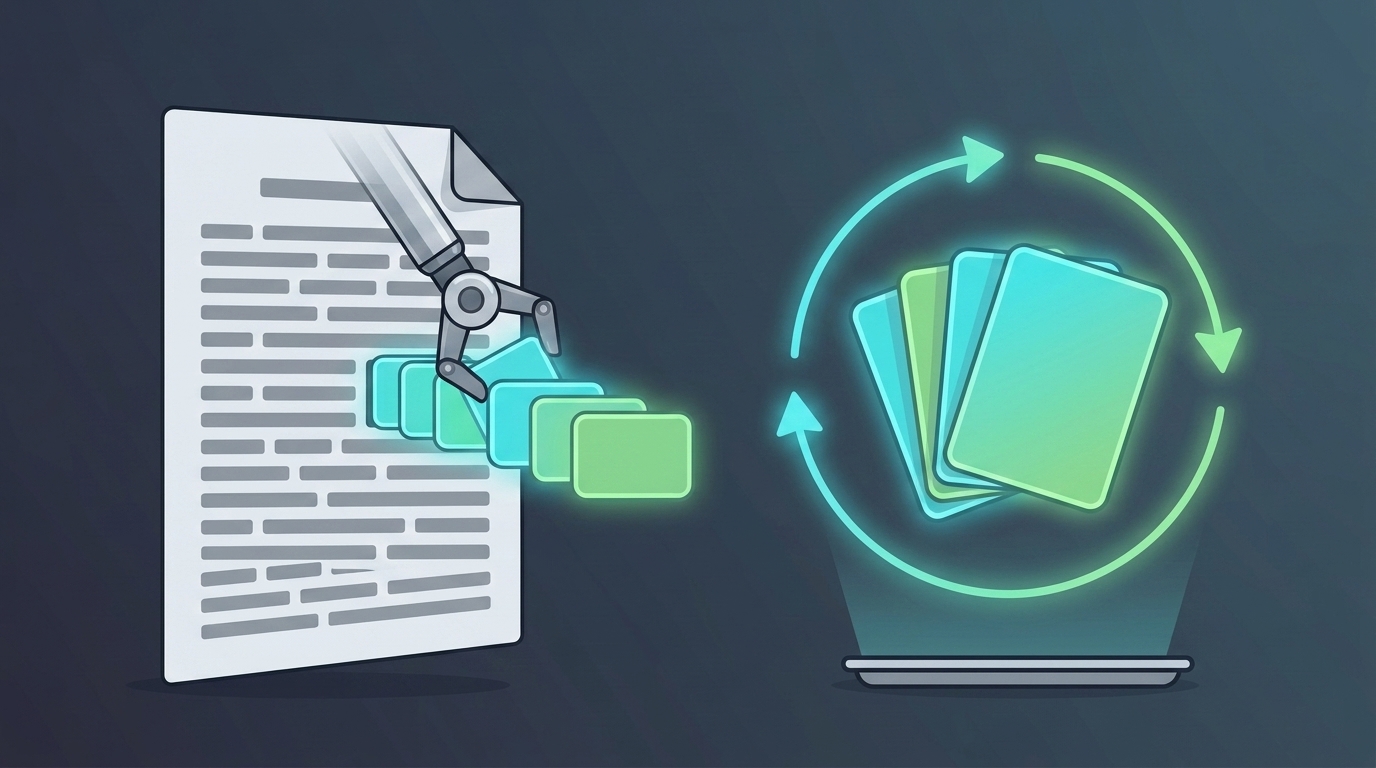
You can turn a PDF of notes into flashcards and a quiz in about two minutes: upload the file to an AI study tool, let it read the text, and it writes question-and-answer cards plus a test from the material. The generating is the easy part now. The part that decides whether you actually remember any of it is what happens to those cards afterwards.
This guide covers how the conversion works, what you realistically get from a PDF versus a photo of handwriting, and the four things worth checking before you trust a generated deck with an exam.
The Three-Step Version
- Get your material into one file. A chapter, a lecture's slides, a study guide section. One coherent chunk beats a whole semester dumped in at once, for a reason we'll get to.
- Upload it and let the tool read it. Most AI study tools accept PDF, Word, and plain text directly. Text is pulled out of the file, then a model reads it and writes the questions.
- Check the first ten cards, then start reviewing on a schedule. Skim for anything the model got backwards. Then — the step almost everyone skips — put the cards on a review schedule instead of studying them once and closing the tab.
Steps one and two are where every tool competes. Step three is where the results actually come from.
What Goes In: PDFs, Slides, and Photos of Handwriting
The single most common reason a conversion fails is a file that has no text in it. A PDF you exported from slides or a document contains a text layer, and any tool can read it instantly. A PDF that is a scan — pages photographed and wrapped in PDF — contains pictures of words and no text at all. Tools that don't run OCR on PDFs will simply reject it.
Here is what Mind Tiles accepts, as a concrete example of the limits you'll meet anywhere:
- Documents: PDF, Word (.docx), plain text, and Markdown, up to 10MB and 60 PDF pages.
- Images: JPG and PNG up to 700KB each, and you can select several at once, so a folder of slide screenshots goes in as one batch.
- Photos: on your phone, point the camera at a textbook page, a whiteboard, or your own handwriting. Text recognition runs on the device first; when the read comes back weak, which is usually handwriting or an angled shot, it escalates to AI vision for a second attempt.
- Pasted text: straight into the box, which is the fastest route when you already have notes typed up.
Two limits to know in advance. Pasting a bare link doesn't work — the URL is rejected rather than fetched. And there's a ceiling of roughly six thousand words per batch, about the size of one chapter or one lecture's slides.
That ceiling reads like a restriction and functions like a feature. Questions written from a focused source are sharper than questions written from a semester of material, and a chapter is also the right size for a review session. Big subjects work best as a series of small conversions, one per chapter, which is how spaced repetition wants the material anyway.
What Comes Out Depends on What You Put In
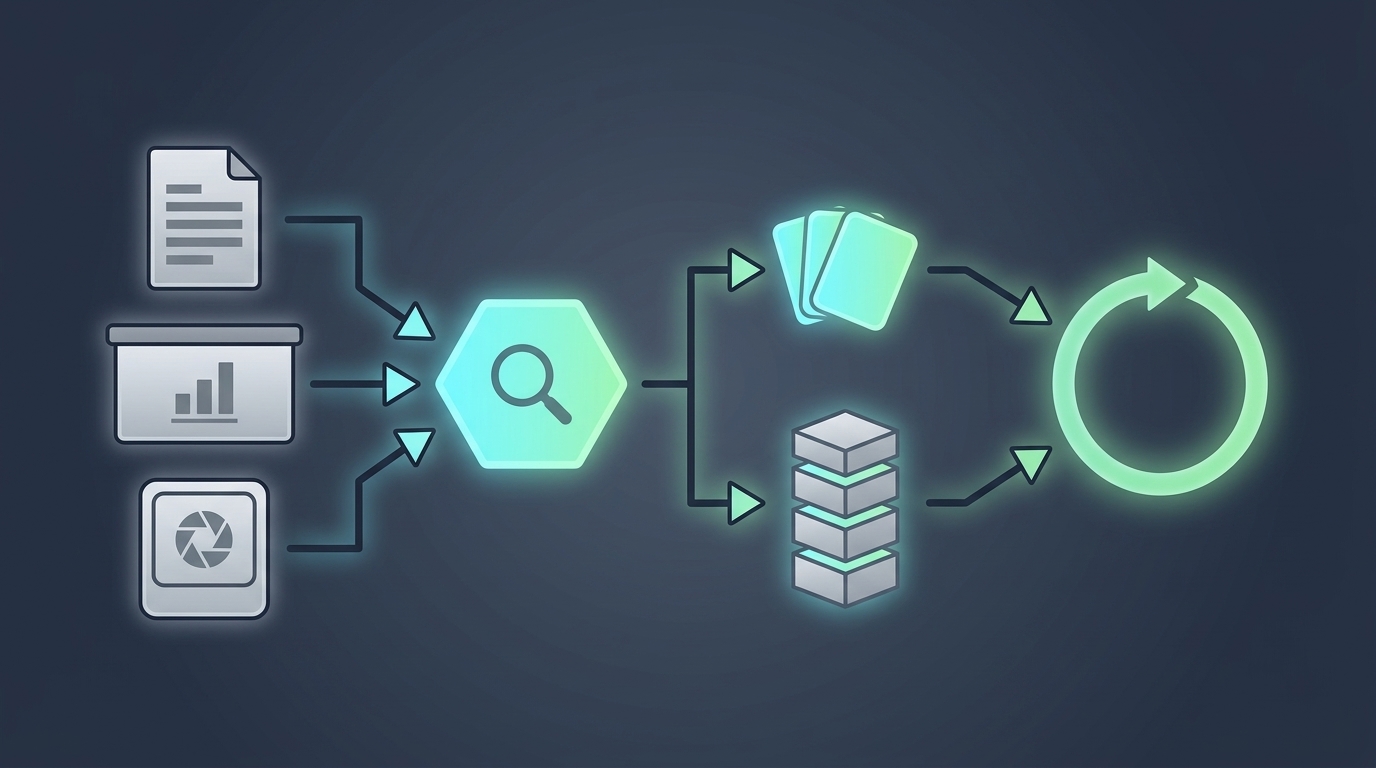
A glossary of fifty terms and a chapter on cellular respiration are not the same raw material, and pretending otherwise is how you end up with padded, low-quality cards. Before Mind Tiles builds anything, it reads your material and says what it can honestly support:
- Flashcards and a quiz — for material that is more list than lesson. Term sheets, definitions, bullet-point slides. This is the honest answer for a lot of uploads, and it's exactly what most people are after.
- Modules only — enough substance to teach in sequence, not enough for the full set of exercises.
- The full path — modules, exercises, and quizzes, for a proper chapter.
- Needs supplementing — too thin to stand alone. Supporting context gets added and clearly labeled as added, rather than quietly mixed in with your professor's material.
- Not learning material — a chat log, a shopping list, a page of random fragments. It says so instead of generating nonsense.
Being told "your notes are thin" before you study from them is more useful than a confident deck built on nothing. It's also the difference between a tool that generates and a tool that assesses.
One thing that should be non-negotiable whatever you use: the questions must be grounded in your source. Every fact, term, and answer traceable back to the material you uploaded. This matters enormously for exam prep, because generic study material and your syllabus rarely agree on scope, emphasis, or vocabulary. When your quiz questions come from your own slides, you are practicing the version of the subject you'll actually be tested on, in the words your test will use.
The Part the Free Generators Leave Out
There are a lot of PDF-to-flashcard tools now, and most of them do the conversion well. The category splits cleanly in two: tools that generate cards and hand you an export file, and tools that generate cards and then run your reviews.
The first kind is genuinely useful and often free. But a deck of cards is not a study system, and this is where the research is blunt. In their 2013 review of ten common learning techniques, Dunlosky and colleagues rated only two as high utility: practice testing and distributed practice. Not one. Both. Generating cards gives you the first. Reviewing them once, the evening you made them, throws away the second.
Cepeda and colleagues' 2006 meta-analysis pooled hundreds of comparisons and found the same result repeatedly: the same total practice, spread across separate sessions at widening intervals, produces substantially better long-term retention than the same practice massed into one sitting. Same work, different schedule, better outcome. And Roediger and Karpicke's 2006 experiment found that students who tested themselves remembered considerably more a week later than students who re-read for the same amount of time — while feeling less confident that they would.
So the honest summary of what a generated deck is worth: the cards are the raw material, and the schedule is the machine. If you export to a tool that schedules reviews for you, you're fine. If you export to a folder and open it twice, you have automated the least valuable part of studying. Our guide to the exact spaced repetition intervals lays out the ladder, and active recall vs spaced repetition explains why the two techniques need each other.
Four Things to Check Before You Trust a Deck
- Are the answers actually in your material? Spot-check five cards against the source. A tool that fills gaps with general knowledge will quietly teach you a version of the subject your examiner didn't set.
- Does it schedule reviews, or just make cards? The single biggest differentiator, and the one least visible on a landing page. Look for spaced repetition, review queues, or an SM-2 style algorithm.
- Does it handle your worst input? Scanned PDFs, handwriting, and photographed slides are where tools quietly differ. If your material is a phone photo of a whiteboard, test that first, not last.
- Do the questions make you retrieve, or recognize? Four-option multiple choice where three options are obviously wrong is a recognition test wearing a retrieval costume. Cards that ask you to produce the answer do the work.
Our roundup describes the main apps in the best spaced repetition apps.
Getting Better Cards Out of Ordinary Notes
- One chapter, one conversion. Focused sources produce sharper questions, and the resulting set is a session rather than a mountain.
- Convert your worst subject first. The material you understand least is where being quizzed on your own source pays off most. The material you already know is where you'll enjoy the cards and learn nothing.
- Photograph as you go. A page snapped after each lecture beats a panicked scanning session in May.
- Keep the misses. The card that keeps coming back is not a broken card. It's the system having found your actual weak spot, which is the entire point.
Frequently Asked Questions
Can AI turn a PDF into flashcards automatically?
Yes. Upload a text-based PDF and an AI study tool extracts the text, reads it, and writes question-and-answer cards from the content. In Mind Tiles the limits are 10MB and 60 pages per file, and the material is assessed first so you're told whether it supports a card set, a full course, or neither.
Why won't my PDF upload work?
Almost always because it's a scan rather than a document. A PDF exported from slides or a word processor has a readable text layer; a PDF made by photographing pages is just images, with no text to extract. The workaround is to photograph or screenshot the pages and upload them as images instead, which routes through vision transcription rather than text extraction.
Does it work with handwritten notes?
Usually. Photograph the page and text recognition reads it — on a phone that runs on the device first, and escalates to AI vision when the on-device read comes back weak, which is what typically happens with handwriting. Neat writing and a flat, well-lit shot make the difference. Very messy or heavily angled pages may still need a second photo.
How many flashcards will I get from one document?
Mind Tiles generates between 6 and 18 cards per topic, drawn from the course it built out of your material. The number tracks how much distinct, testable content your source actually contains, which is why a dense chapter yields more than a slide deck of headings.
Are the quiz answers taken from my own material?
Yes, by design. Generation is grounded: facts, terminology, examples, and structure come from your source, and every quiz answer must be verifiable from it. Where your material is too thin to stand alone, added context is labeled as added rather than blended in silently.
Is my uploaded content private?
Text is pulled out of the file on your device; the extracted text (and, for hard-to-read photos, the image) is then sent to our AI provider to write the questions. See the privacy policy for details. Your sources are stored in your own account so your courses stay grounded to them, they're all visible in one place, and you can delete any of them permanently at any time.
Do I need to pay to turn notes into flashcards?
Not to try it. Mind Tiles has no free plan, but every new account gets a 7-day free trial of the full experience with no credit card required. Paid plans are $7.99 USD a month or $59.99 a year.
The Cards Are Easy. The Schedule Is the Product.
Converting a PDF into flashcards stopped being hard some time ago, which is why there are now dozens of tools that do it and most of them do it free. That's the commodity half. The half that gets you through an exam is the boring, unglamorous bookkeeping underneath: knowing which of two hundred cards is due today, which you got wrong last time, and which has earned a longer gap. That's the part every hand-built study system abandons by week two, and it's the part a spaced repetition app exists to carry.
Mind Tiles does both halves. Upload a chapter, a slide deck, or a photo of last week's notes, and it reads the material, tells you what it can honestly build from it, writes questions grounded in your own source, and puts the result on an SM-2 schedule that decides what's due before you open the app. If you'd rather see the full walkthrough of the upload flow, we covered it in turning your notes into a course.
Start your 7-day free trial — no credit card — and convert one chapter tonight. It takes about two minutes, and it's the last time you'll have to decide what to study.