Best Spaced Repetition Apps in 2026: How Each One Decides What You Review

Last checked: every price, scheduler, and grading scale below was re-verified on each vendor's own site on September 29, 2026.
The best spaced repetition app is the one whose scheduling matches how you study. Anki is the most configurable of the apps here, with a choice of two algorithms; SuperMemo is the original, now on its algorithm SM-20; RemNote and Mochi are the easiest places to keep Anki-style scheduling without Anki's setup; Brainscape asks how confident you feel instead of whether you were right; and Quizlet now has a spaced repetition mode on its website. They all space your reviews out. They differ in what gets scheduled, how you grade yourself, and which algorithm turns those grades into dates.
We make Mind Tiles, which appears at the end of this list, along with the cases where it's the wrong choice.
The Short Answer
- Most control, largest community: Anki. Free on desktop and Android, $24.99 once on iPhone.
- Notes and flashcards in one place: RemNote.
- Anki-style reviews with less setup: Mochi.
- You'd rather rate confidence than right or wrong: Brainscape.
- Your class already shares Quizlet sets: Quizlet's spaced repetition mode, on the website.
- You'd rather not build or manage cards at all: Mind Tiles, which schedules whole lessons built from your own material.
How Spaced Repetition Apps Decide What You See Today
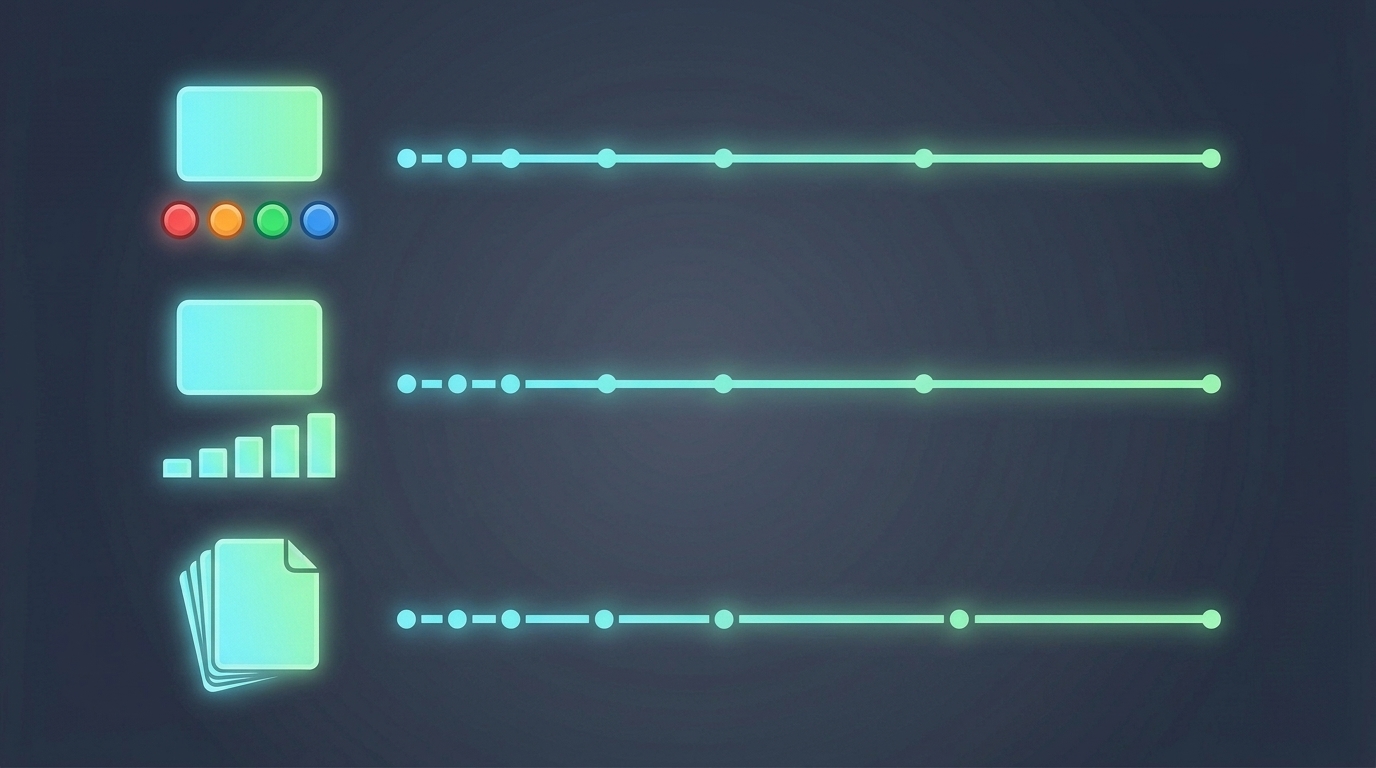
Every app on this list shows you material again just before you're likely to forget it, at gaps that widen as you get it right. Three design choices separate them, and they matter more than the interface.
- What gets scheduled. Most apps schedule individual flashcards. A few schedule something bigger, such as a whole lesson or a vocabulary sentence.
- How you grade yourself. After each review you tell the app how it went. Anki, RemNote and Quizlet use four buttons; Mochi uses two; Brainscape uses a 1-to-5 confidence scale; Mnemosyne uses 0 to 5.
- Which algorithm turns grades into dates. Some apps use fixed ladders of intervals. Many use a descendant of SM-2. Several now offer FSRS as an option.
SM-2 and FSRS, in Plain Language
SM-2 is the algorithm most apps descend from. Piotr Woźniak wrote it for SuperMemo, and in his own account it ran in SuperMemo versions 1.0 to 3.0 between December 1987 and March 1989. Each card carries an "ease" number. Every successful review multiplies the gap by that ease, hard reviews lower it, and a failed review starts the card over. It's simple, predictable, and easy to reason about, which is why so many apps still use a version of it.
FSRS (Free Spaced Repetition Scheduler) is an open-source algorithm that grew out of research at MaiMemo, a vocabulary-learning app. Instead of one ease number, it models three things for each card: how difficult it is, how stable your memory of it is, and the probability you'd recall it right now. It fits its parameters to your own review history. Anki added it as an option in version 23.10, in late 2023, and Anki's documentation says that with FSRS "users have to do fewer reviews than with Anki's default algorithm to achieve the same retention level."
Two cautions before you read comparisons online. First, the project's public benchmark measures how well each algorithm predicts whether you'll remember a card, not how much study time it saves. Second, you'll see precise figures quoted, such as FSRS "beating SM-2 for 99.6% of users" or cutting reviews by a fixed percentage. We couldn't trace those numbers to the benchmark's current results, so we don't repeat them. The fair summary: FSRS is designed to fit your memory more closely, and the tools that offer it make it an opt-in setting, not the default.
The Comparison, in One Table
| App | What it schedules | How you grade | Algorithm (vendor's name) | Price (as shown, Sep 29, 2026) |
|---|---|---|---|---|
| Anki | Cards | Again / Hard / Good / Easy | SM-2-based by default; FSRS optional | Free on desktop and Android; $24.99 once for iPhone |
| SuperMemo 20 (Windows) | Cards | Not verified | SM-20 | $68 USD one-time |
| SuperMemo app (web, iOS, Android) | Cards and courses | Know / Almost / Don't know | Not stated for the app | Subscription with a 30-day free trial (shown in Polish złoty when we checked) |
| RemNote | Cards made from your notes | Four levels, "Forgot" to "Easily recalled" | Anki SM-2 by default; FSRS or Exponential optional | Free tier; Pro $8/mo or Pro with AI $18/mo, both billed yearly |
| Mochi | Cards | Remembered / Forgot | Its own fixed-multiplier algorithm; FSRS optional | Free; Pro $5/mo billed annually (needed for sync) |
| Brainscape | Cards | Confidence 1 to 5 | Confidence-Based Repetition | Free; Pro $19.99/mo or $95.88/yr |
| Quizlet | Cards (website only) | Repeat / Hard / Okay / Easy | Not named | Spaced repetition free; Plus $7.99/mo or $35.99/yr (no currency shown) |
| Clozemaster | Sentences | Right or wrong, by filling the gap | Fixed ladder: 1, 10, 30, 180 days | Free to play; Pro available |
| Mnemosyne | Cards | 0 to 5 | "Very similar to SM2" | Free |
| Mind Tiles | Lessons (modules) | Again / Hard / Good / Easy, after a short recap | SM-2 variant | 7-day free trial, then $7.99/mo, $19.99/qtr or $59.99/yr (USD); no free plan |
The Apps, by What You Need
Anki: the most control
Anki is free on Windows, Mac and Linux, free on Android through the volunteer-built AnkiDroid, and $24.99 as a one-time purchase on iPhone. You grade each card Again, Hard, Good or Easy. Its default scheduler is based on SM-2, and FSRS has been available as an option since version 23.10; to use it, every device you review on needs a version that supports it (AnkiDroid from 2.17). Decks export as .apkg files, which RemNote and Mochi can import. The trade-off is setup: Anki gives you a blank slate and leaves the building and tuning to you. If the reason you're looking elsewhere is that you don't want to write every card, our guide to Anki alternatives for people who don't want to build decks covers that directly.
SuperMemo: the original, now on SM-20
SuperMemo is two different products, which confuses most comparisons. SuperMemo 20 for Windows, released on April 1, 2026, runs the newest version of its algorithm, SM-20, and sells as a one-time $68 license. Separately, the SuperMemo app on web, iOS and Android offers courses and flashcards with a simpler Know / Almost / Don't know grading, on a subscription with a 30-day free trial. Watch for out-of-date information: some of SuperMemo's own older pages still promote SuperMemo 19.
RemNote: notes and cards together
RemNote turns the notes you write into flashcards, so studying and note-taking live in one place. It lets you choose your scheduler: Anki's SM-2 is the default, and FSRS or an exponential scheduler are options. You grade on four levels from "Forgot" to "Easily recalled", and it can import Anki decks with their review history. The free tier includes unlimited notes and cards with a small monthly allowance of AI credits; Pro is $8 a month and Pro with AI $18 a month, both billed yearly.
Mochi: Anki-style reviews with less setup
Mochi keeps grading to two buttons, Remembered or Forgot, and by default adjusts each card's interval by fixed multipliers, with FSRS available as a switch. It runs on Mac, Windows, Linux, iOS, Android and the web, and imports Anki decks including their review history. The free plan has unlimited cards; syncing across devices needs Pro, at $5 a month billed annually.
Brainscape: rate your confidence
Brainscape asks how well you knew each card on a scale from 1 ("not at all") to 5 ("totally confident"), and uses that rating to decide when each card comes back. It calls this Confidence-Based Repetition. It's a good fit if a simple right-or-wrong feels too blunt. The free plan covers unlimited cards you make yourself; Pro is $19.99 a month or $95.88 a year.
Quizlet: if your class is already there
Quizlet now has a spaced repetition mode: after each card you choose Repeat, Hard, Okay or Easy, and Quizlet decides when to show it again. It's free, it turns on automatically for sets of 100 or more terms, and for now it runs only on the Quizlet website, not in the iOS or Android apps. Quizlet doesn't name the algorithm it uses. Its real advantage is the sets your classmates and teachers have already made.
For languages: Clozemaster and Memrise
Both use fixed ladders rather than adaptive algorithms. Clozemaster drills words inside sentences and moves each one up a ladder of 1, 10, 30 and 180 days, back to the start when you miss it. Memrise has become mainly a native-speaker video and AI conversation app, but its help pages still describe a fixed review ladder, from four hours up to six months, with a missed word dropping back to four hours.
Mnemosyne: free and minimal
Mnemosyne is a free, open-source flashcard program for Windows, Mac and Linux, with an Android review client. You grade 0 to 5, and its developers describe the algorithm as very similar to SM-2. It's a good choice if you want spaced repetition with nothing else attached.
Mind Tiles: if you'd rather not manage cards at all
Mind Tiles works differently from everything above. You give it a topic, or your own notes, PDF or slides, and it builds a short course of lessons with exercises and quizzes. Its spaced repetition schedules lessons, not individual cards: after a short recap of two or three questions, you rate the lesson Again, Hard, Good or Easy. The first review comes a day after you finish a lesson, the second a day after that, and then the gap grows by an SM-2-style ease factor, up to a year. Each day's review combines up to 8 of those with up to 6 mixed-recall exercises and quizzes from your other topics, at most 14 items, roughly five to ten minutes.
Be clear about the trade-offs. Mind Tiles also makes flashcards from each course, but those are for flipping through; they aren't graded or scheduled one by one. It can't import or export Anki decks, and it doesn't offer FSRS. So if you want card-level control or already have a deck you trust, choose Anki, RemNote or Mochi. If what you want is to hand over your material and be told what to review each day, that's the job Mind Tiles is built for. There's no free plan: every new account gets a 7-day free trial with no credit card, then it's $7.99 a month, $19.99 a quarter, or $59.99 a year, in USD.
Frequently Asked Questions
What apps use spaced repetition to improve memory?
Widely used examples include Anki, SuperMemo, RemNote, Mochi, Brainscape, Mnemosyne and Quizlet's spaced repetition mode. Language apps such as Clozemaster and Memrise use fixed review ladders. Mind Tiles applies spaced repetition to whole lessons rather than individual cards.
Is FSRS better than SM-2?
FSRS is designed to predict your recall more closely by modeling each card's difficulty, memory stability, and current recall probability, fitted to your own review history. Anki's documentation says it needs fewer reviews for the same retention. Precise percentages quoted online often can't be traced to the current benchmark, which measures prediction accuracy rather than time saved.
Does Anki use FSRS by default?
No. As of Anki 23.10, Anki offers two algorithms: its default, based on SM-2, and FSRS, which you turn on in deck options. Every device you review on needs a version that supports FSRS.
Does Quizlet use spaced repetition?
Yes, in a dedicated mode. You rate each card Repeat, Hard, Okay or Easy, and Quizlet schedules it. It's free, turns on automatically for sets of 100 or more terms, and currently works only on the Quizlet website.
What algorithm does SuperMemo use?
SM-20, in SuperMemo 20 for Windows, released April 1, 2026. SM-2, the version most other apps are based on, was used in SuperMemo's earliest versions between 1987 and 1989.
Can I move my Anki deck to another app?
Often, yes. RemNote and Mochi both import Anki .apkg files including review history, though card styling may not carry over exactly. Mind Tiles does not import Anki decks.
Pick the Scheduler, Then the App
Every app here spaces your reviews out; that part is solved. Choose by the three questions that actually differ: whether you want cards or lessons scheduled, how you'd like to grade yourself, and how much control you want over the algorithm. The review habit does the rest, and our guide to spaced repetition intervals explains why the widening gaps work. For the basics of how these apps work, see what a spaced repetition app is.
Start your 7-day Mind Tiles trial if you'd rather have the lessons built and scheduled for you.
Prices, features and algorithms were checked on each vendor's own website or US App Store listing on September 29, 2026, and change often; prices can vary by region, so confirm on the vendor's site before you buy. Anki, SuperMemo, RemNote, Mochi, Brainscape, Quizlet, Clozemaster, Memrise and Mnemosyne are trademarks of their respective owners. Mind Tiles is not affiliated with or endorsed by any of them.